
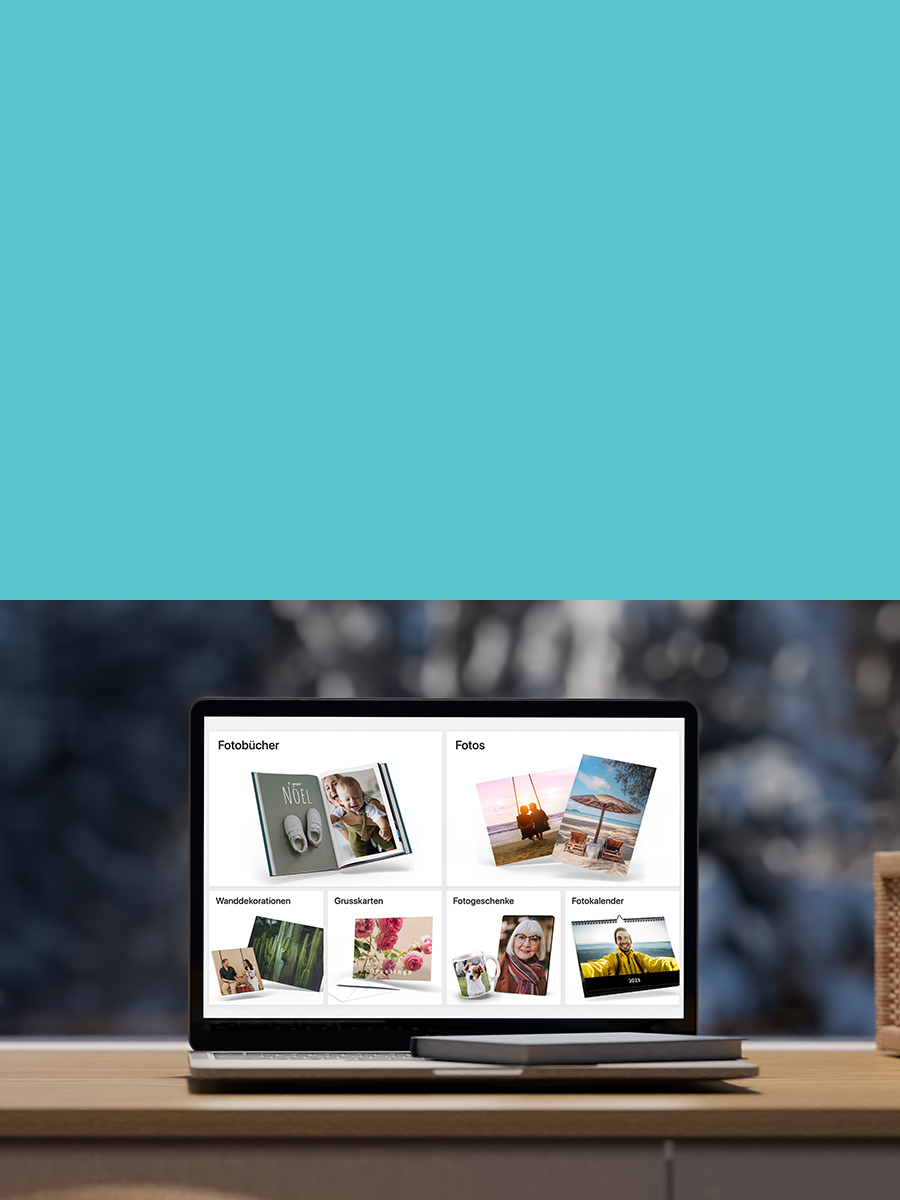

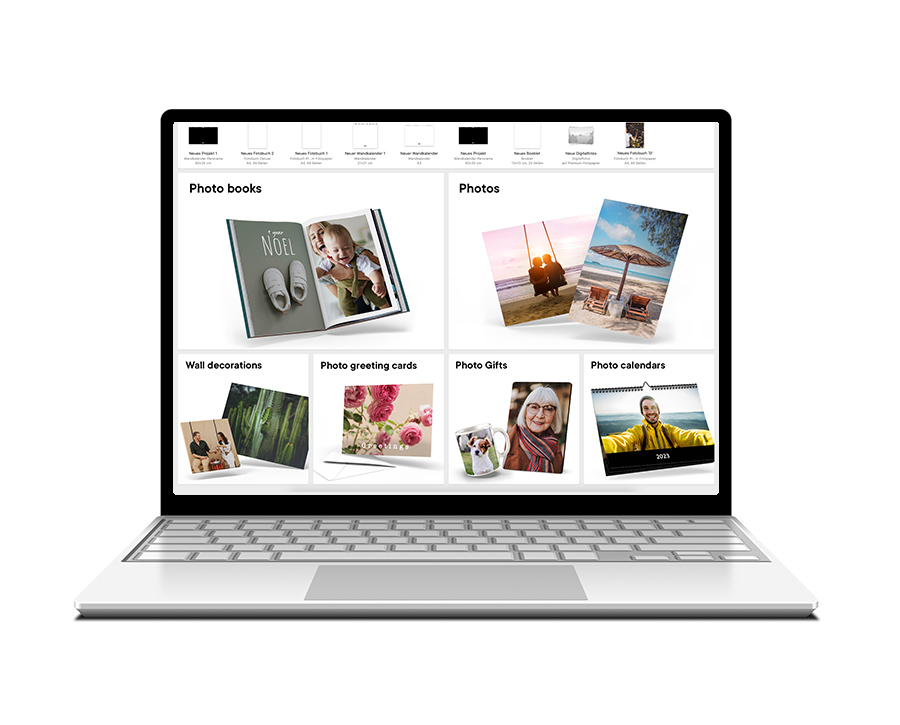
The ifolor Designer for Windows offers numerous benefits for creating your photo products…
Das sagen unsere Kunden über den Windows Designer...

Simpel und verständlich
❰❰ Bin sehr zufrieden mit dem Service und den Produkten von Ifolor. Software zur Erstellung von Fotobüchern ist simpel und verständlich. Die Lieferung kommt immer pünktlich, wenn nicht sogar noch früher. ❱❱
Anwendungsfreundliche Software
❰❰ Anwendungsfreundliche Software, einfache Bedienung, tolle Produkte, rasche Lieferung, Sortiment ausbaufähig. Aber: Bin vollkommen zufrieden. ❱❱
Schnell, zuverlässig und preiswert
❰❰ Super Qualität, schnell, zuverlässig und preiswert. Es macht einfach Spass mit Ifolor. Anwenderfreundliches Programm. ❱❱
Create your own personal photo product with the ifolor Designer for Windows!

We will help you to create the perfect photo book!
We will give you tips and tricks for fabulous photo books: our video tutorials, blog posts or the quick guide will show you how to create your own individual photo book using the ifolor Designer.
Tips for photo books
Other ifolor applications





Do you have any questions?

End User Licence Agreement
Please read this End User Licence Agreement (EULA) carefully before you use our software.